Release
October 14, 2026
Your team: activity, invitations and sign-in
An activity feed that names every change, invitations people accept themselves, a clearer account and sign-in, and a complete Hebrew UI.
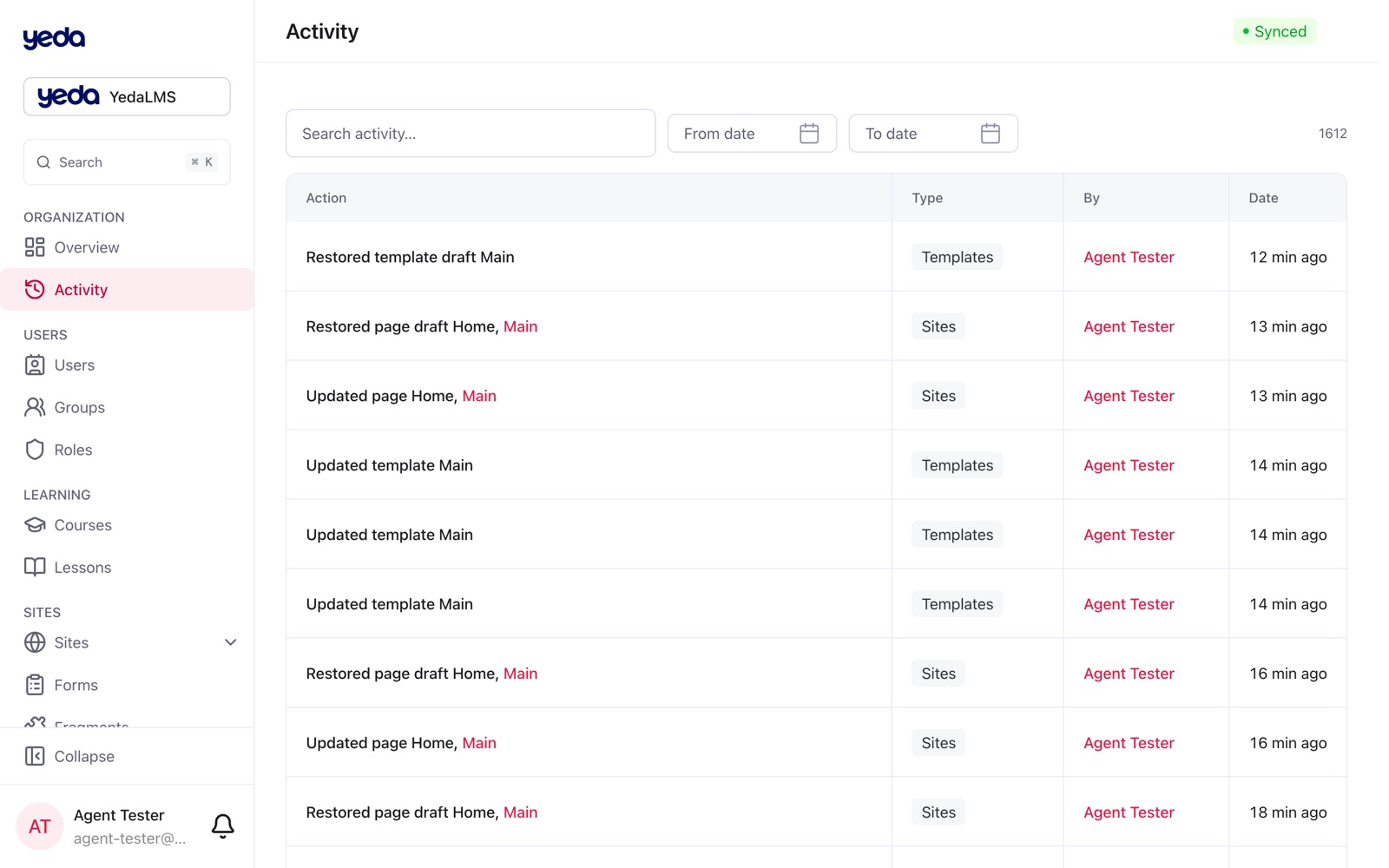
The workspace around the features: every change is visible in the activity feed, people join through invitations they accept themselves, and the whole platform reads in Hebrew.
Activity that names things
The activity feed lists changes to courses, lessons, course pages, templates, articles, fragments, media library files and folders, logos, tags and settings, each naming what changed and who changed it.
Invitations instead of instant access
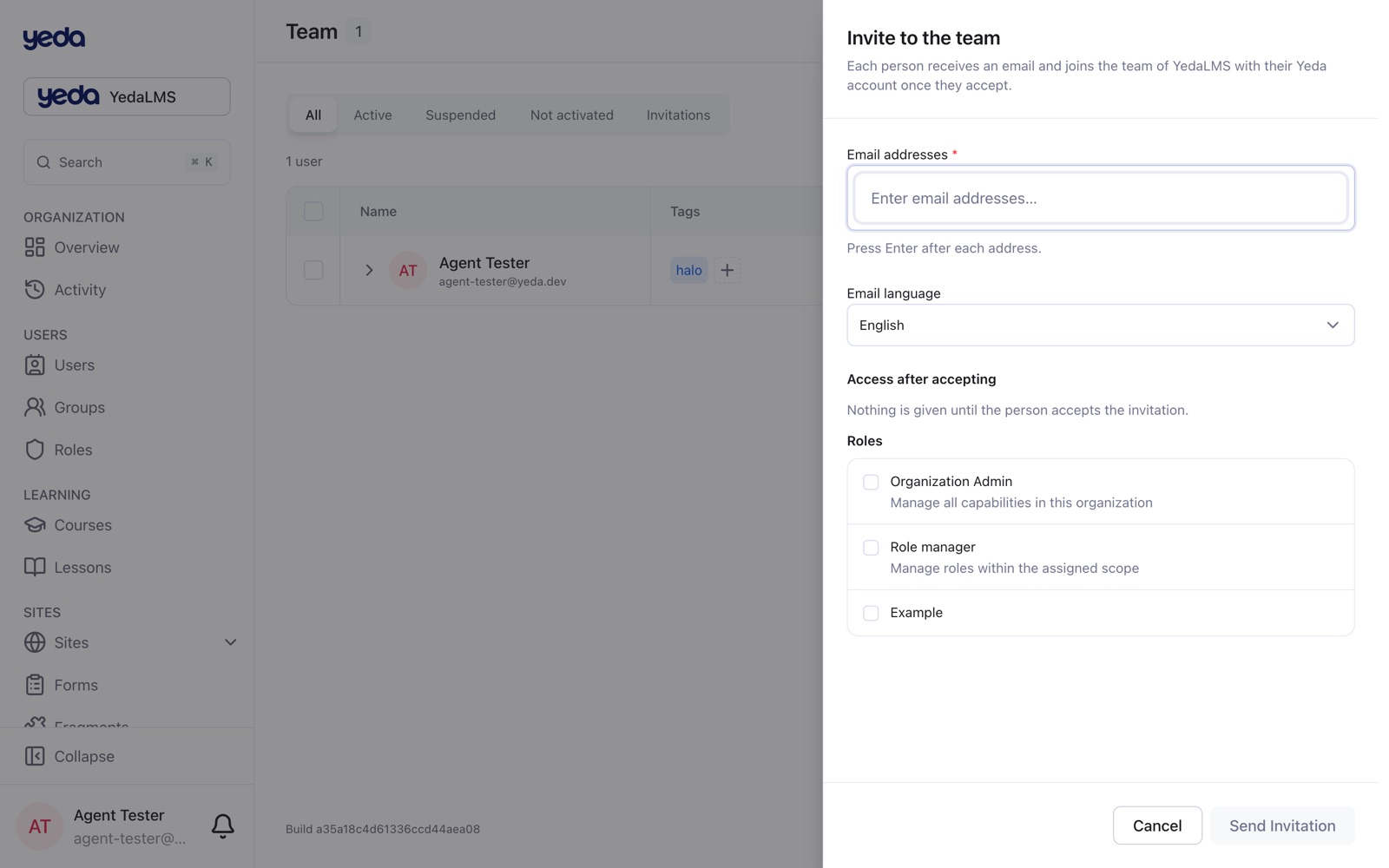
Team and Users each have an invite sheet for up to 20 email addresses at once. People get access only when they accept from the email link, on a page that shows the organization, who invited them and the invited address; they are signed in or registered with that address as needed. The invitations table shows each status (pending, accepted, declined, cancelled, expired) apart from whether the email was delivered; an invitation can be resent or cancelled and expires 7 days after the last send. An administrator can also create an organization user directly, with a password or a setup link.
Your account and sign-in
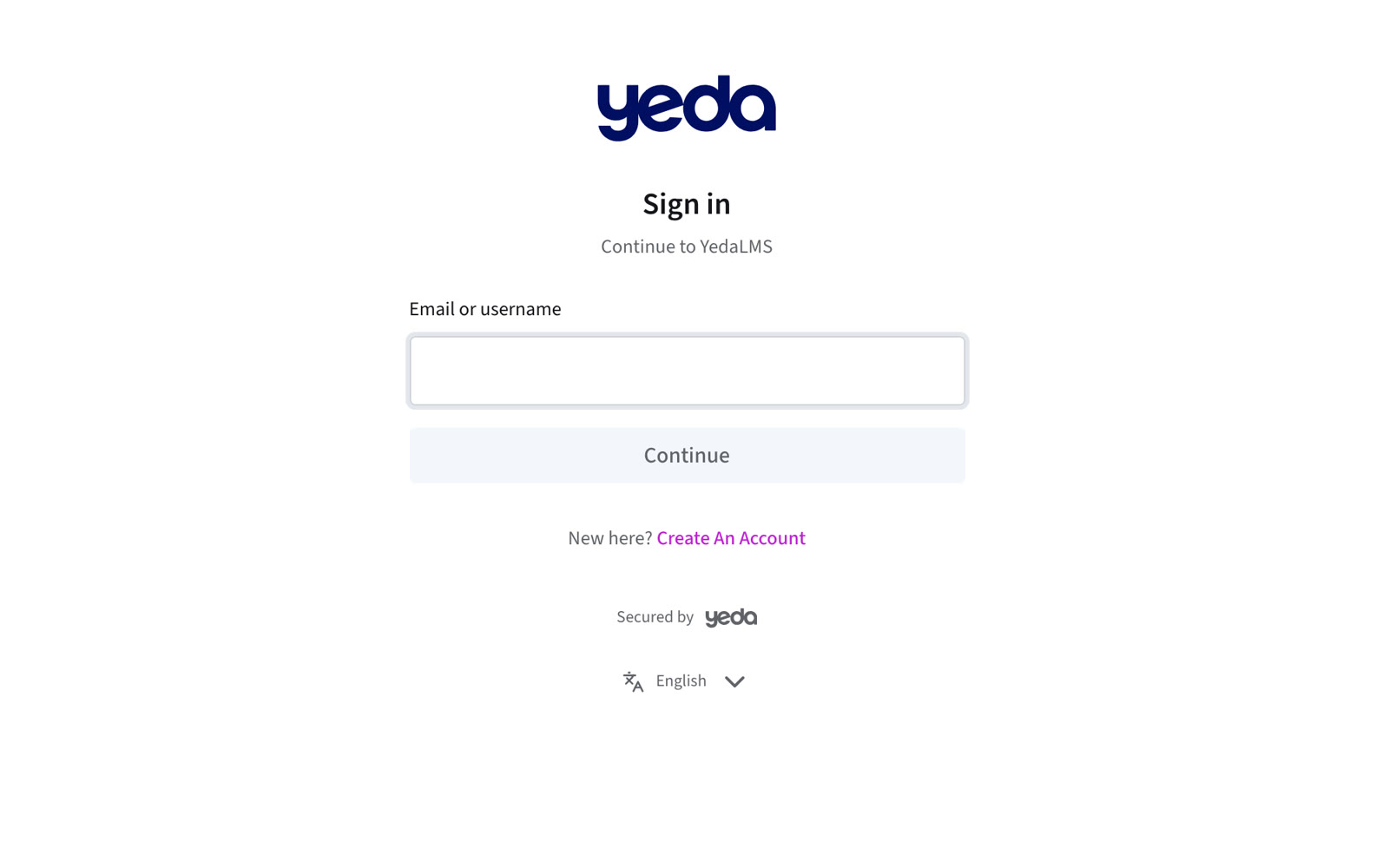
The account page has a side menu that stays in view (Profile, Email and phone, Authentication methods, Organization platform), an account menu to switch to another account, add one or sign out, and a round crop dialog for the profile photo. The account language applies everywhere, and the sign-in page has an English / עברית switch that is remembered.
Emailed codes can be typed or pasted, a password can be reset with an emailed code, and after sign-in you land on the page you asked for in every tab. Switch account and Add account are in the account menu of every platform and website. The Create organization form says why it refuses and checks the name and slug as you type.
Hebrew, complete
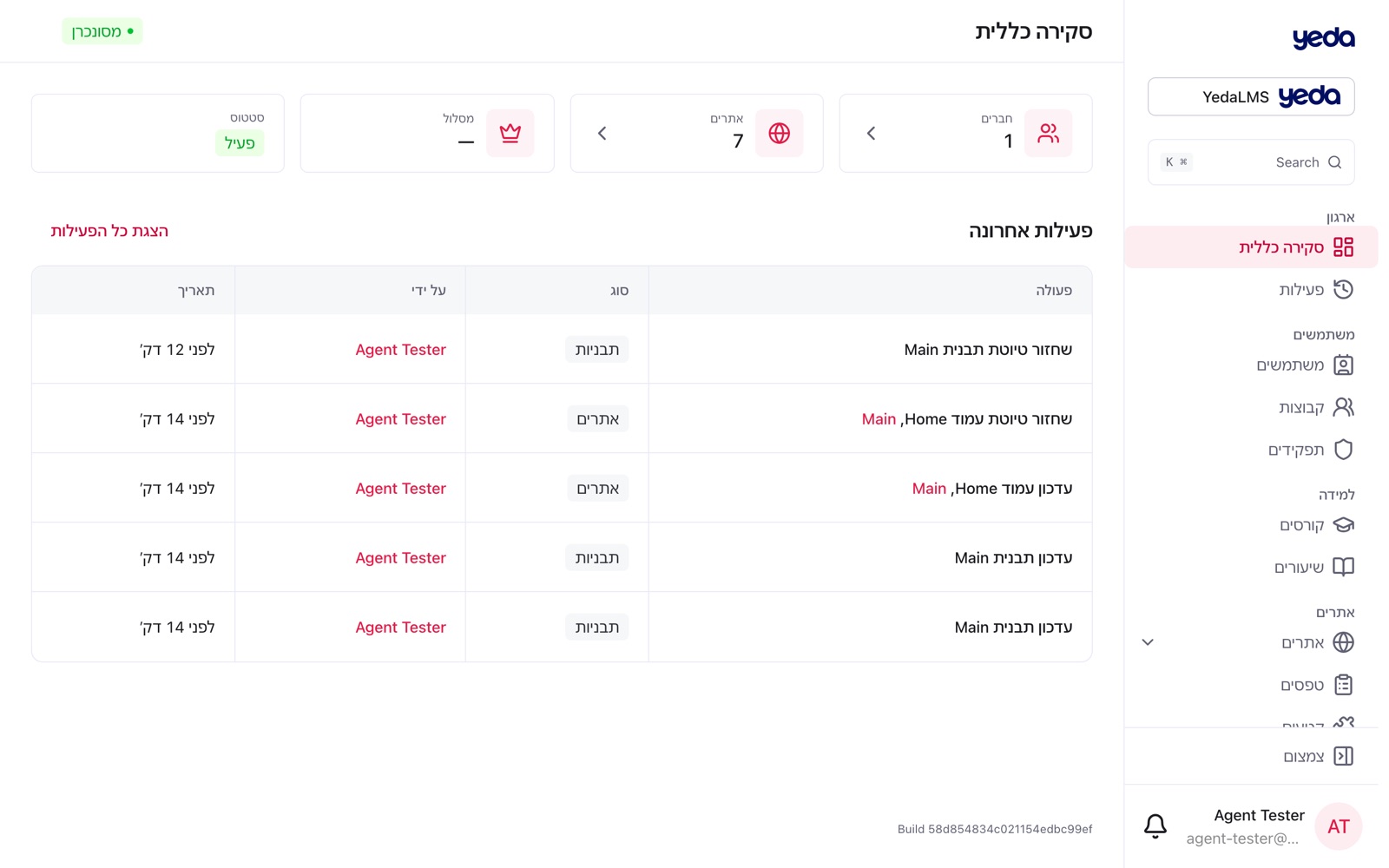
The organization platform and all shared screens are now fully translated: more than two thousand messages that used to appear in English, from the page builder and Users to sign-in, Websites, Roles and the Media library. Every new screen now ships with its Hebrew translation, or the change is refused.